Set and track goals
Set goals for your people, link them to a Key Area, and log progress over time.
3 min read
Goals keep what people are working toward in the same place as what they are measured on. You can link a goal to a Key Area from the person's framework.
Steps
- 1
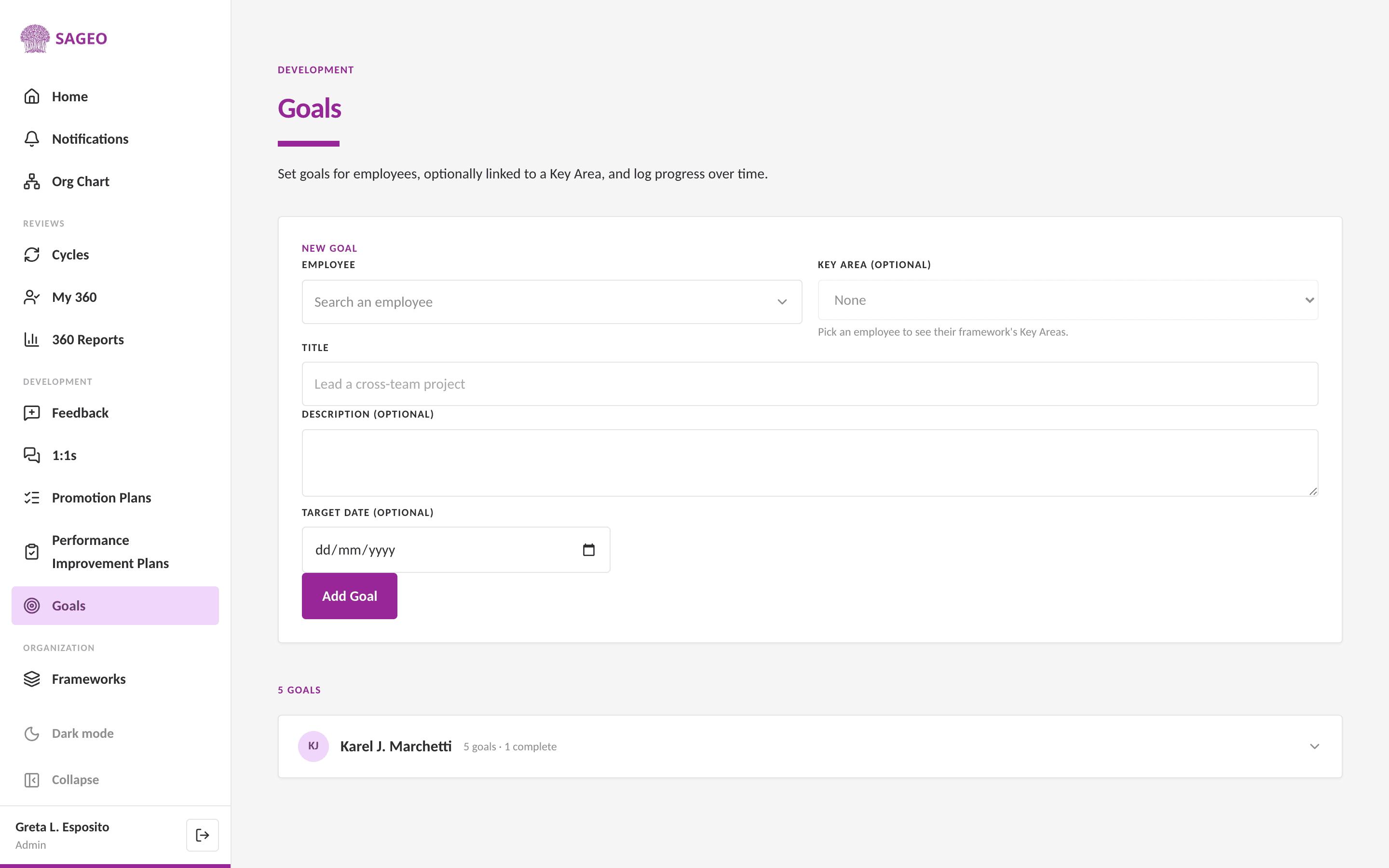
Open Goals from the sidebar, under the Development section.
- 2
In New Goal, search for the employee. Optionally pick a Key Area from their framework to link the goal to.
- 3
Add a title, an optional description and a target date, then choose Add Goal.
- 4
Log progress over time as the goal moves forward.
Tip
Linking a goal to a Key Area ties day-to-day work back to the competency it develops.
Next steps
Still stuck? Email hello@sageo.ai and a person will help.