Run monthly 1:1s
Keep the conversation going with auto-scheduled check-ins the manager fills and the reportee acknowledges.
3 min read
Sageo creates recurring monthly 1:1s between managers and reports automatically. The manager fills each one in, and the reportee reads and acknowledges it.
Steps
- 1
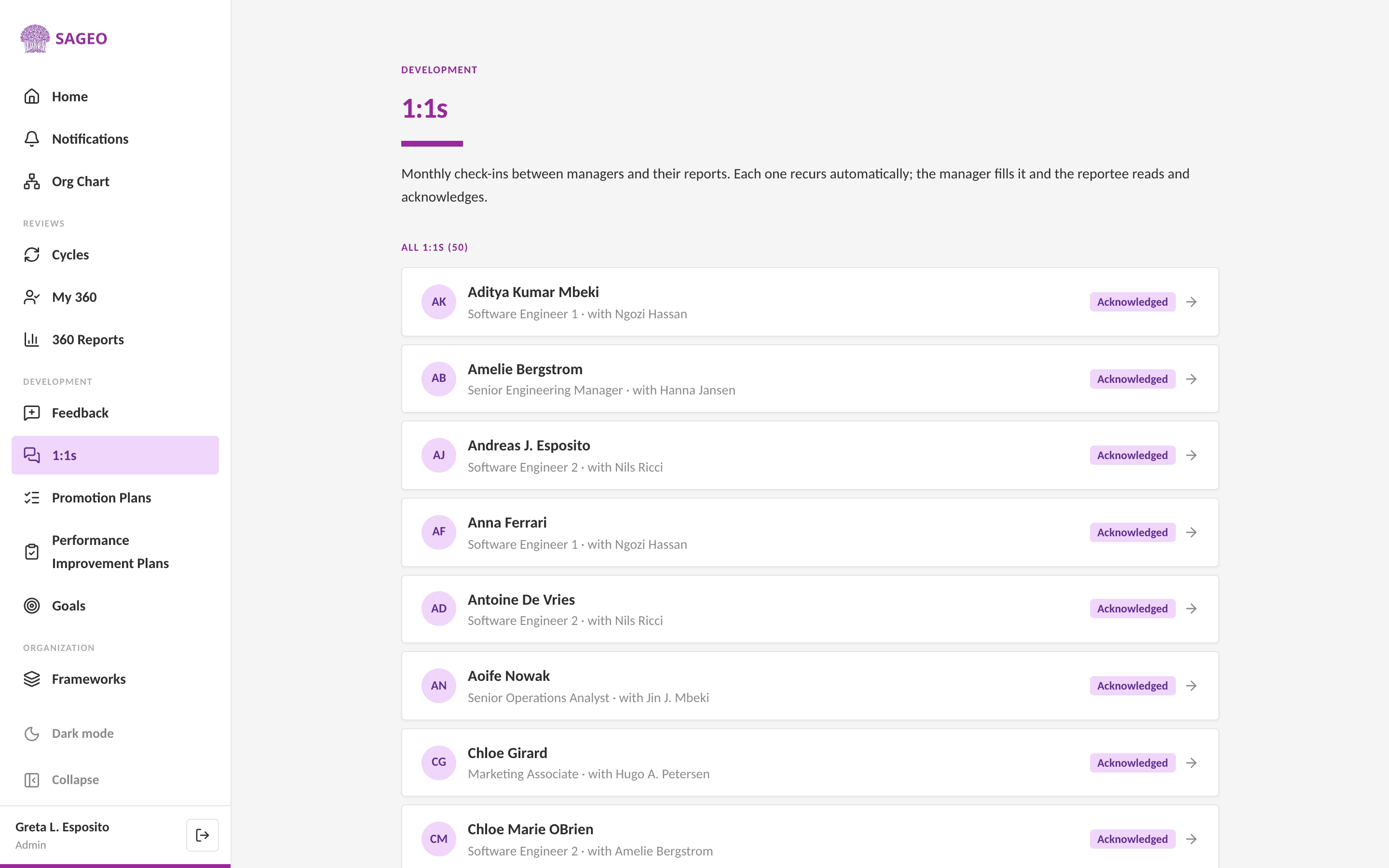
Open 1:1s from the sidebar to see every check-in and its status.
- 2
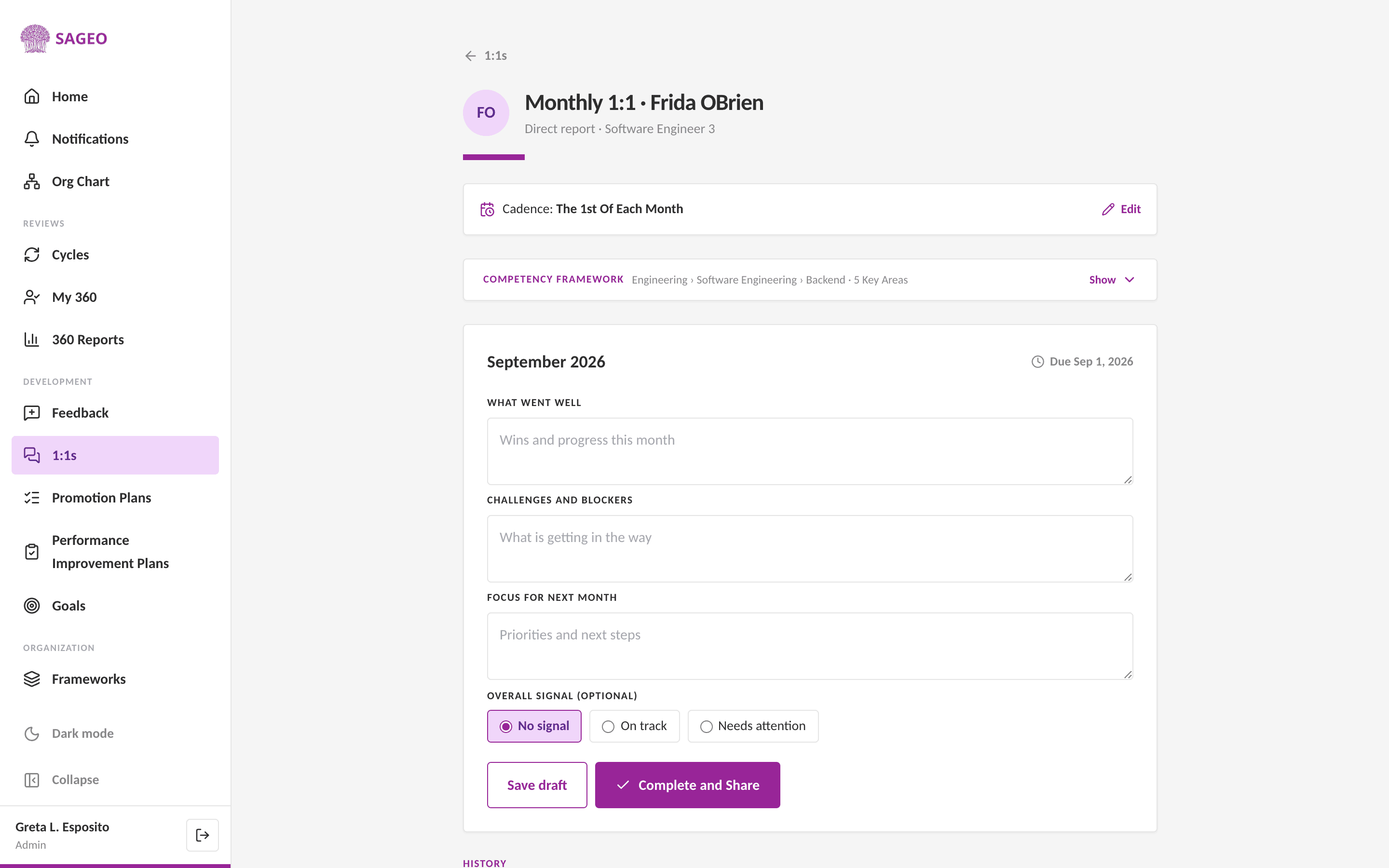
Open a 1:1. Relevant competencies and any open plan actions are surfaced. As the manager, fill it in.
- 3
Reportees can add discussion points ahead of time; the manager approves them, so the agenda is shared.
- 4
The reportee reads and acknowledges the 1:1. It recurs automatically each month, with no scheduler to set up.
Tip
Because 1:1s roll forward on their own, an open promotion plan's actions keep showing up until they are done.
Still stuck? Email hello@sageo.ai and a person will help.