Create a promotion plan
Turn a person's framework into a manager-reviewed growth plan toward the next level.
4 min read
A promotion plan is a growth plan that builds on strengths and closes the readiness gaps for the next level. Sageo drafts it from the employee's competency framework, and the manager reviews it before release.
Steps
- 1
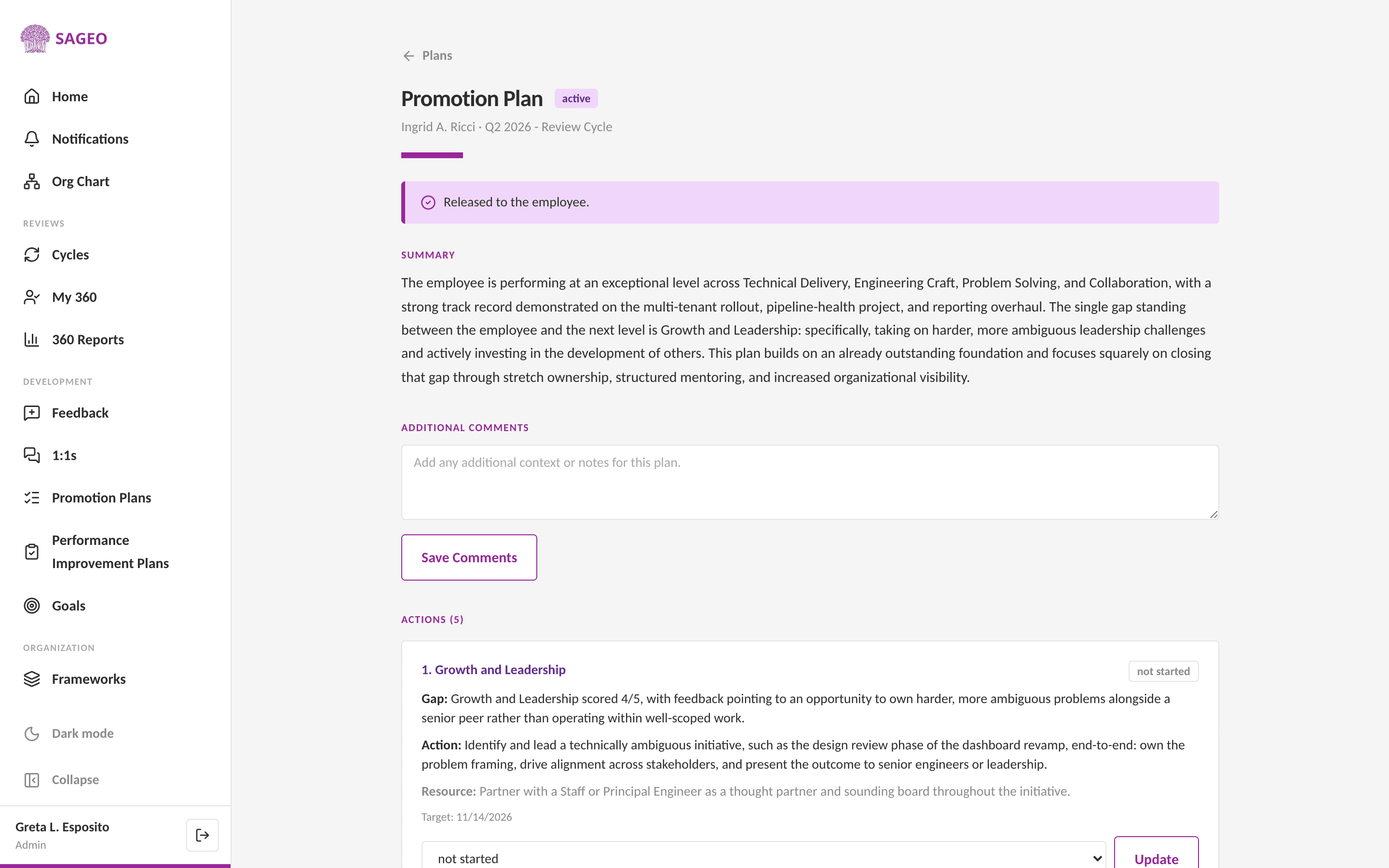
Open Promotion Plans from the sidebar, under the Development section.
- 2
In New Promotion Plan, search for the employee and enter the focus, the readiness gaps or priorities for the next level.
- 3
Choose Generate Plan. Sageo drafts actions grounded in the employee's framework. You can do this with or without an open review cycle.
- 4
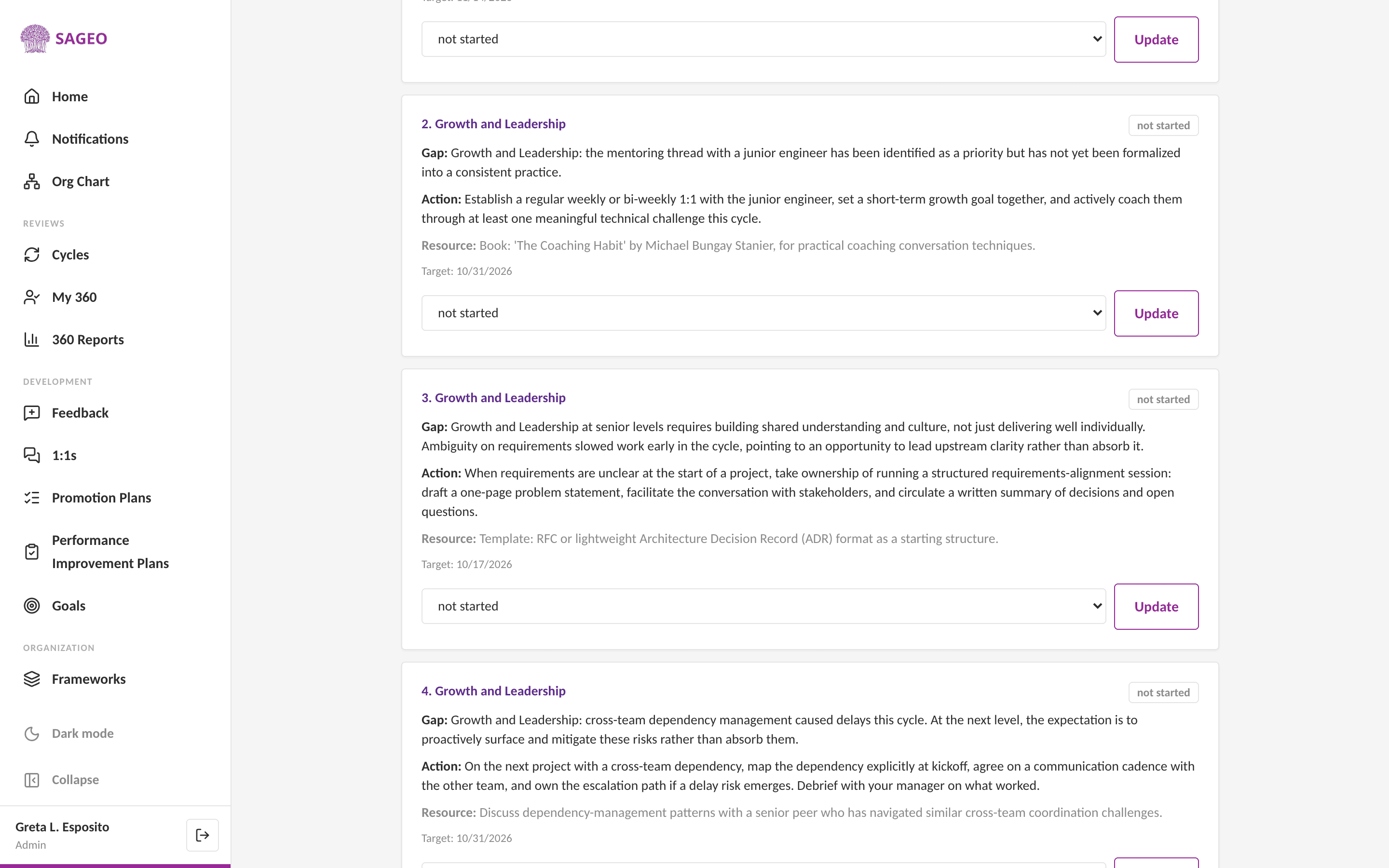
Review and edit the actions as the manager, then release the plan. Released actions carry into cycles and 1:1s.
Good to know
For someone who is off track, use Performance Improvement Plans in the sidebar. It works the same way.
Still stuck? Email hello@sageo.ai and a person will help.