Import your people with one CSV
Bring your whole org into Sageo in a single upload. Records and the org chart build themselves.
4 min read
Sageo builds employee records and your org chart from a single CSV, so you do not have to add people one by one. You can also add a single employee by hand.
What the CSV needs
- Employee ID (Sageo matches on this)
- Email, and first, middle and last name
- Department (function)
- The manager's email, to set reporting lines
- Date of joining
Steps
- 1
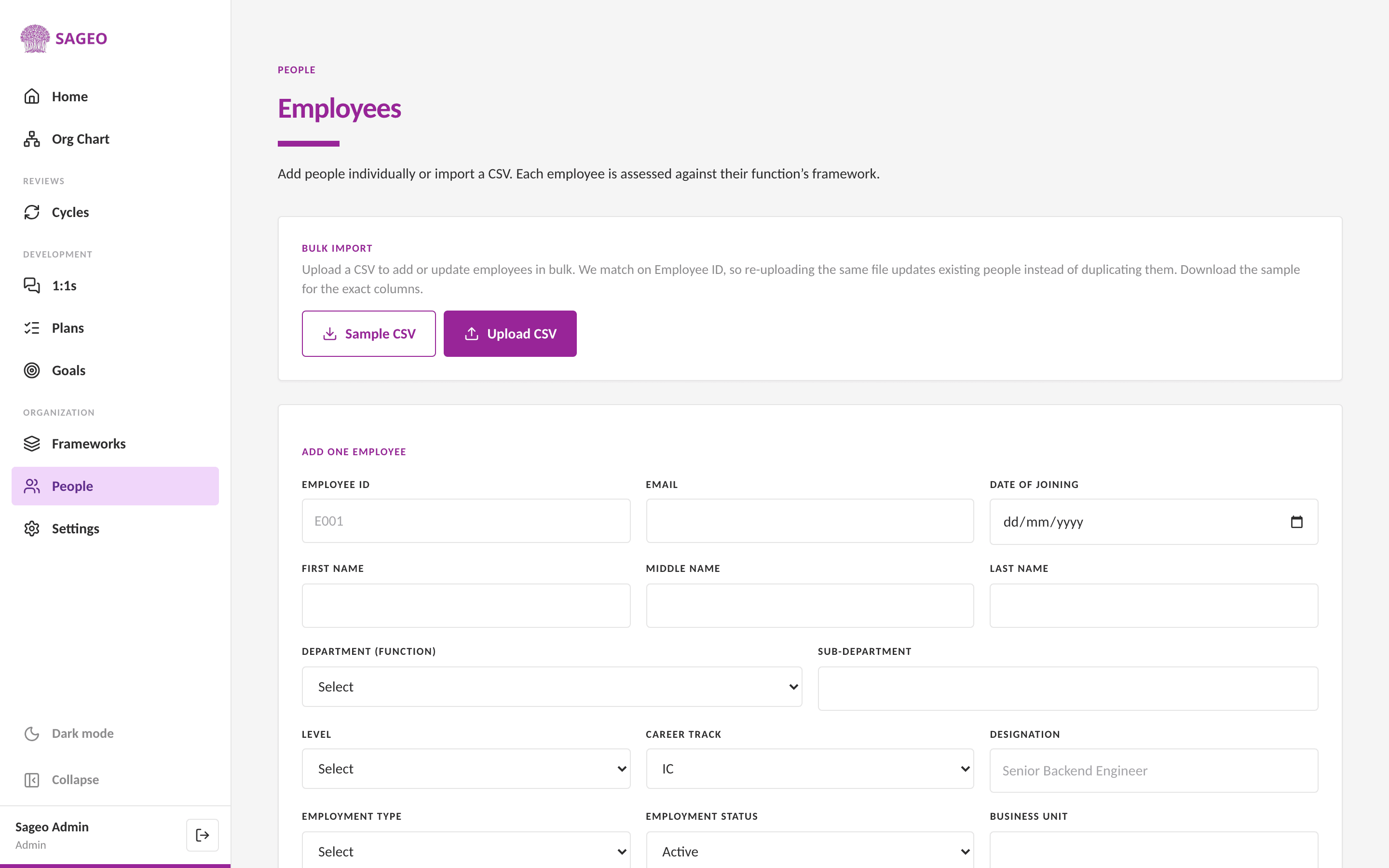
Open People from the sidebar, under the Organization section.
- 2
In the Bulk Import section, choose Sample CSV to download a file with the exact columns.
- 3
Fill it in, matching each person's manager by email so reporting lines connect.
- 4
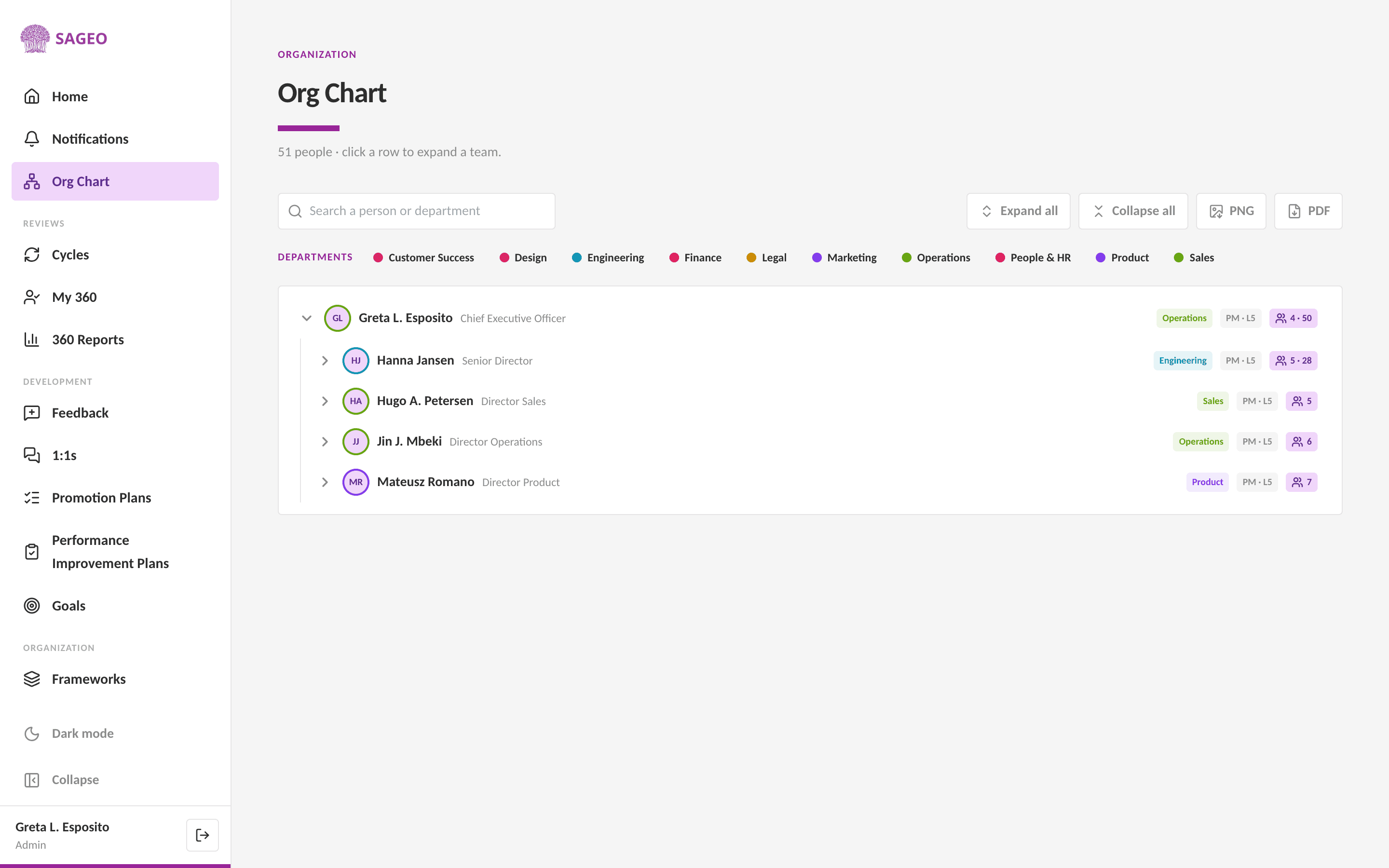
Choose Upload CSV. Sageo adds or updates people, matching on Employee ID. The org chart assembles from the manager links.
Tip
Re-uploading is safe. Because Sageo matches on Employee ID, importing the same file again updates existing people instead of creating duplicates.
Still stuck? Email hello@sageo.ai and a person will help.