Generate a competency framework
Let Sageo draft a function's Key Areas, level by level, anchored to your setup.
5 min read
Sageo writes a first draft of a competency framework for each function, using the levels and values from your cultural foundation. You review and edit it, and nothing goes live until you publish it.
Steps
- 1
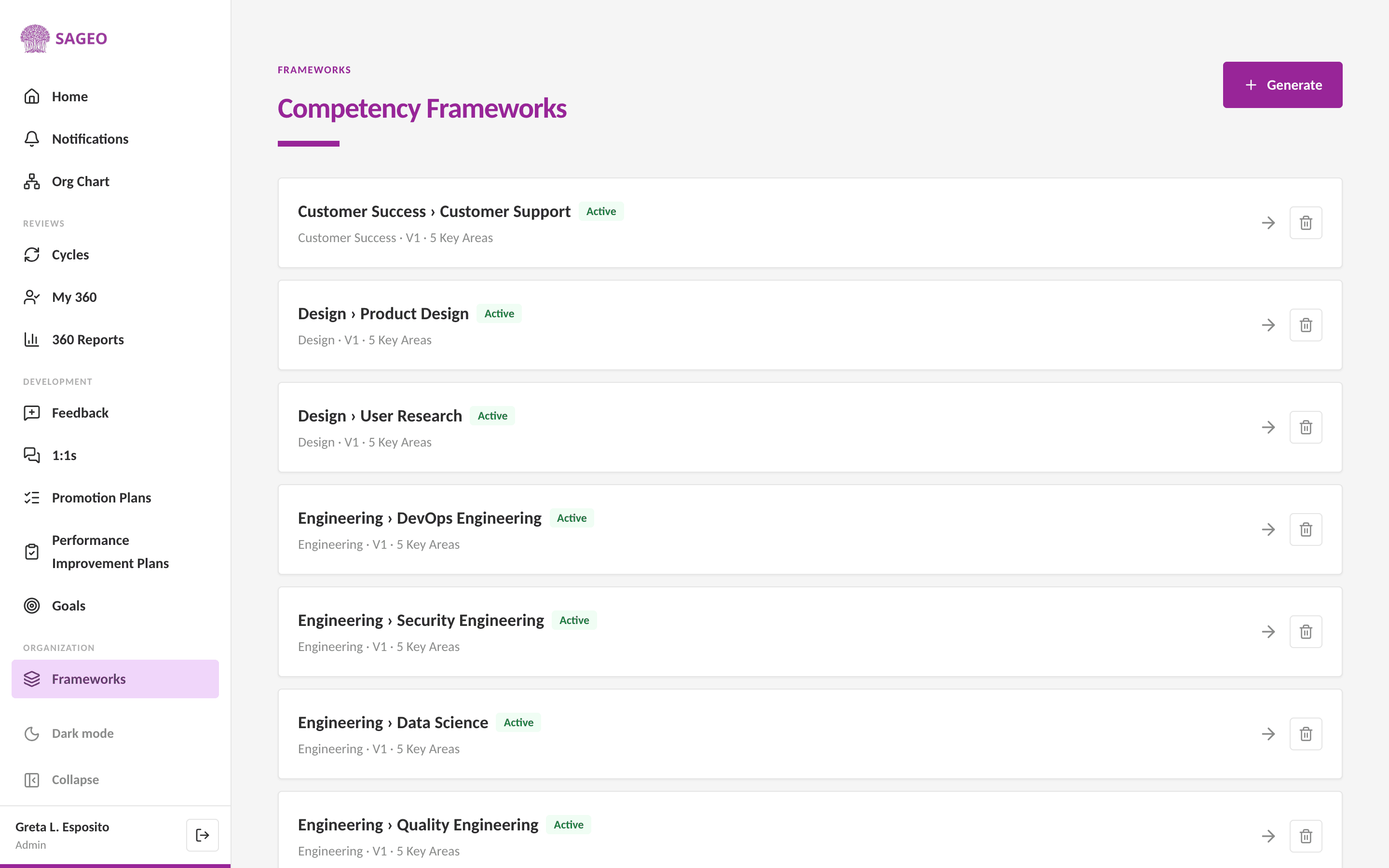
Open Frameworks from the sidebar and choose Generate.
- 2
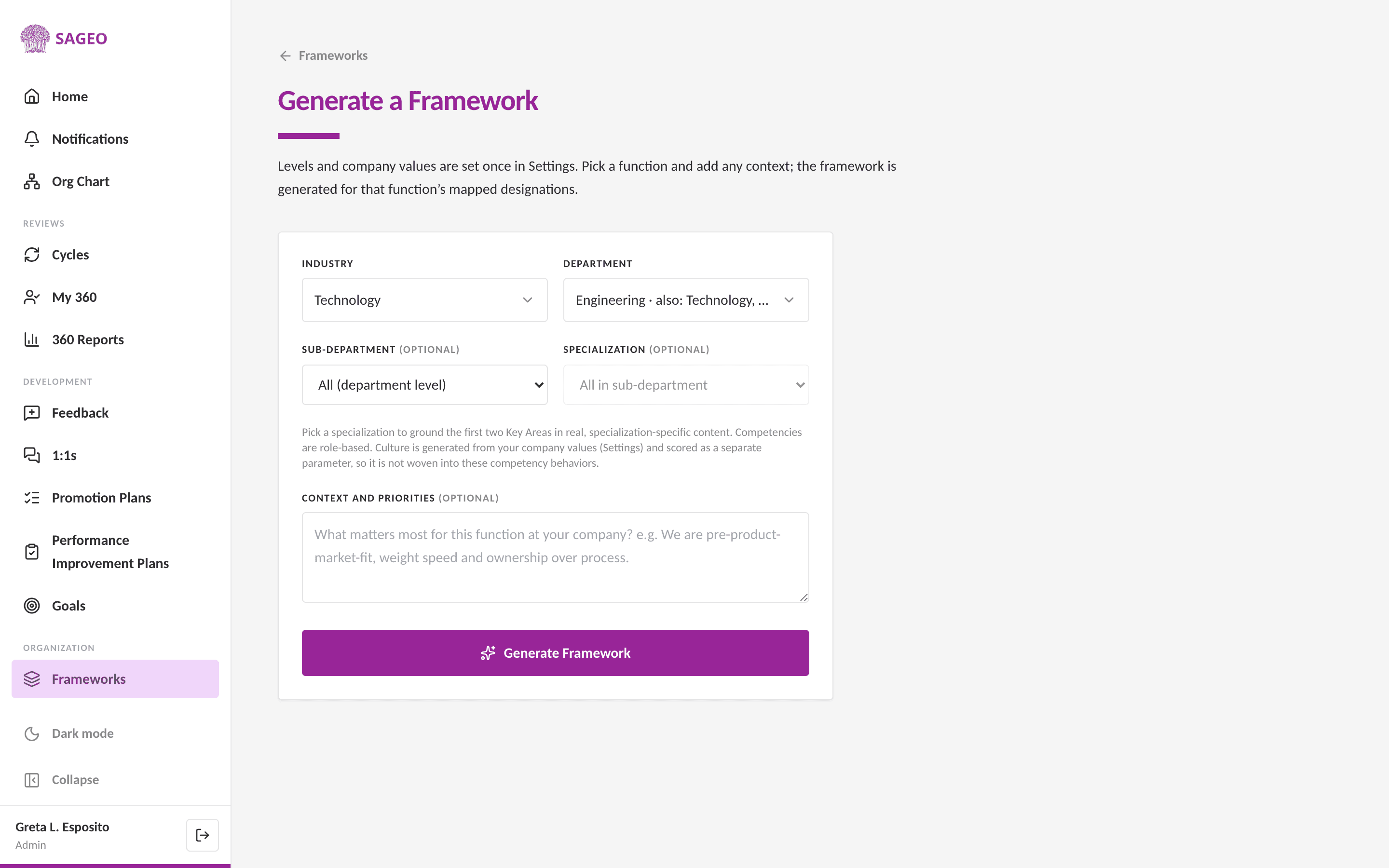
Pick the industry and department (function). Optionally narrow it with a sub-department and specialization to ground the content.
- 3
Add any context or priorities, then choose Generate Framework. Sageo drafts the framework's Key Areas with level-by-level behaviors.
- 4
Review the draft and edit anything, then publish. Culture is scored as a separate parameter from your company values, not woven into the Key Areas.
Good to know
Generation uses only organisation-level inputs, your industry, function and levels. No employee names are involved.
Still stuck? Email hello@sageo.ai and a person will help.