Edit and weight a framework
Adjust the AI's draft and set how much each Key Area counts toward the rating.
4 min read
You can shape a framework before you publish it, and you decide how its Key Areas roll up into a rating.
Edit the framework
- 1
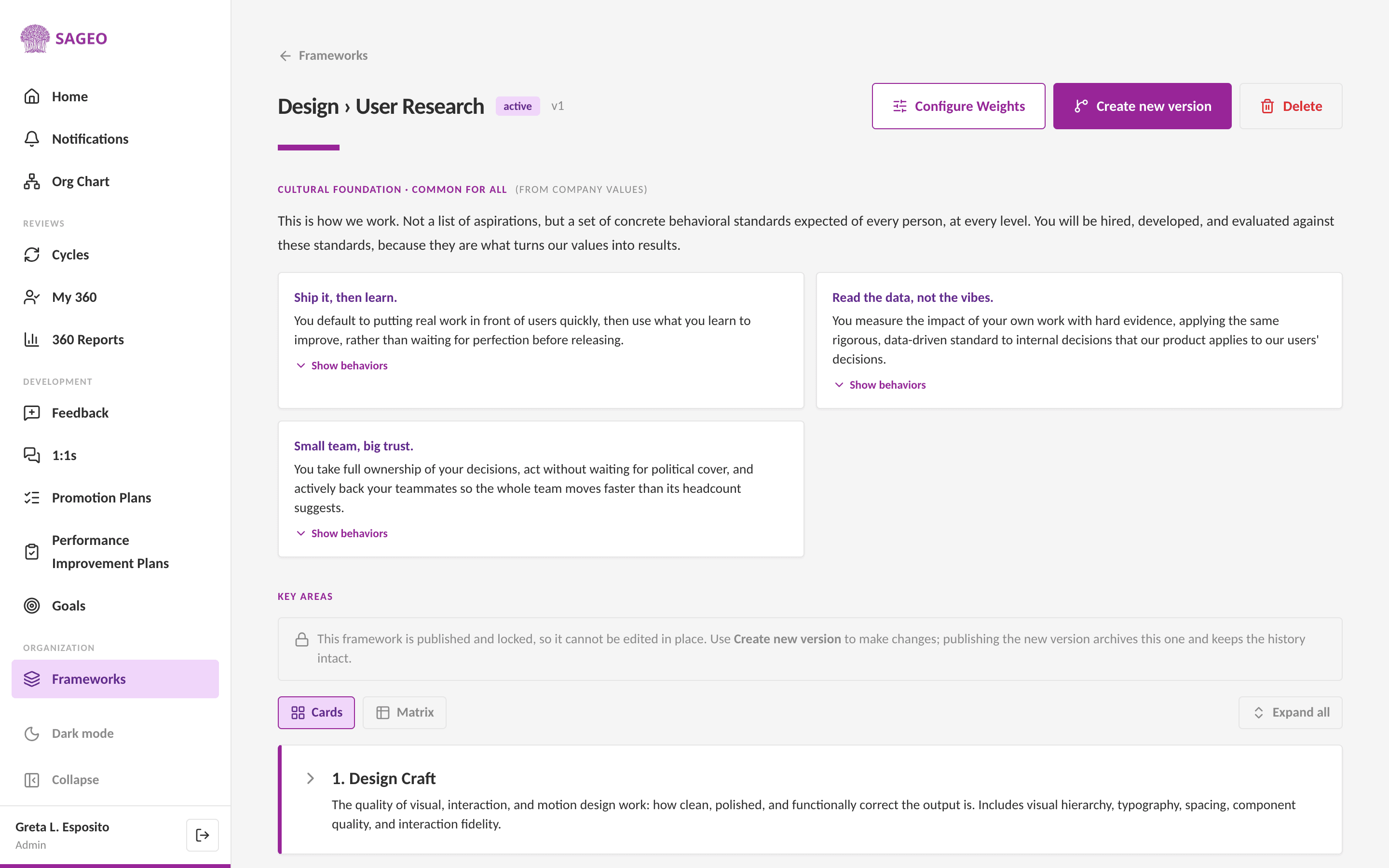
Open the framework from Frameworks. A new draft is editable in place, Key Areas and their behaviors.
- 2
A published framework is locked so ratings stay stable mid-cycle. To change a published one, choose Create new version, then edit that version.
Set weights
- 1
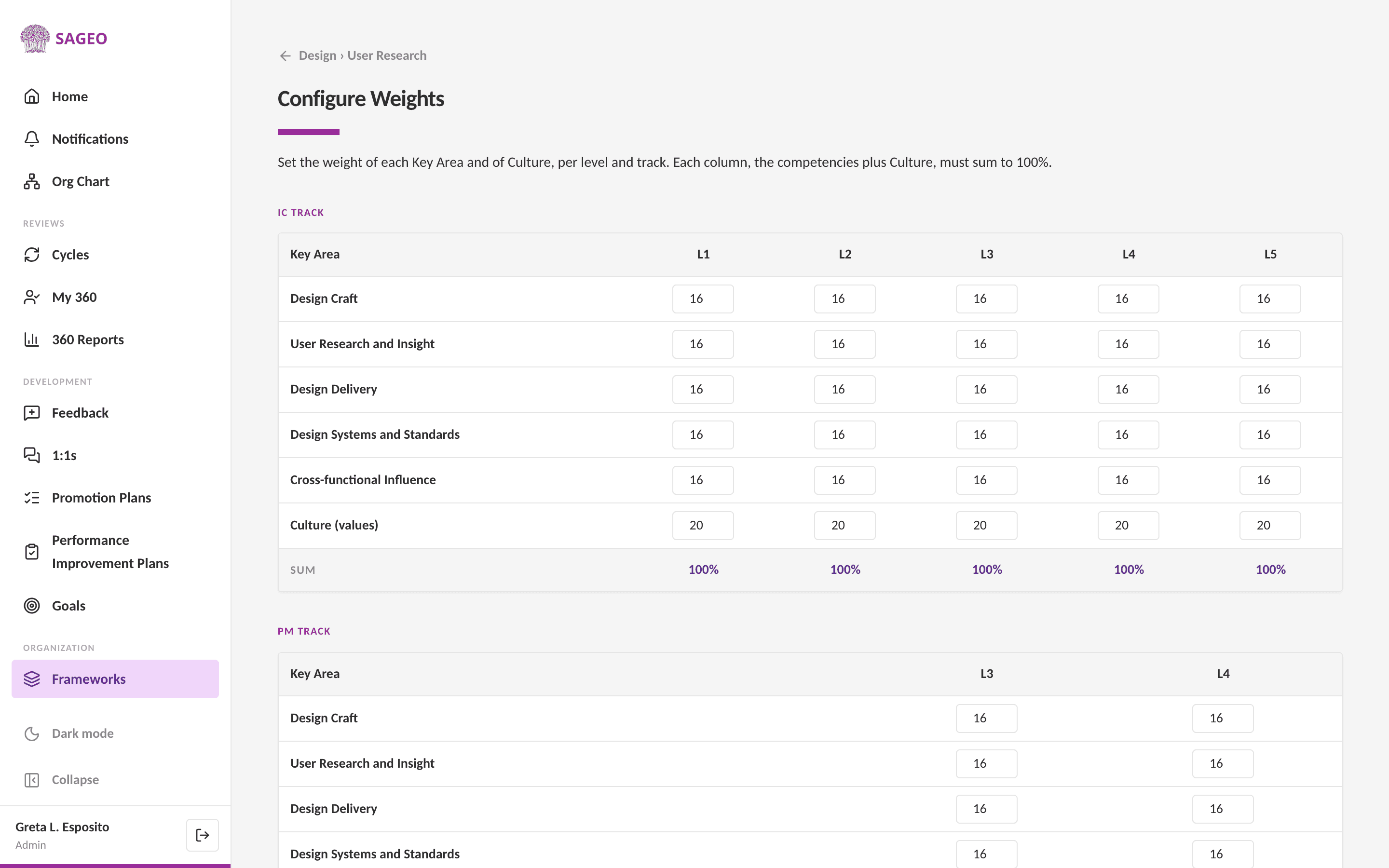
On the framework, choose Configure Weights.
- 2
Set how much each Key Area counts. Culture is scored separately, as its own parameter, from your company values.
Tip
A heavier culture weight makes "how" someone works count for as much as "what" they deliver.
Still stuck? Email hello@sageo.ai and a person will help.