Set rating labels and score bands
Name each score and set the overall-score range that produces each rating.
3 min read
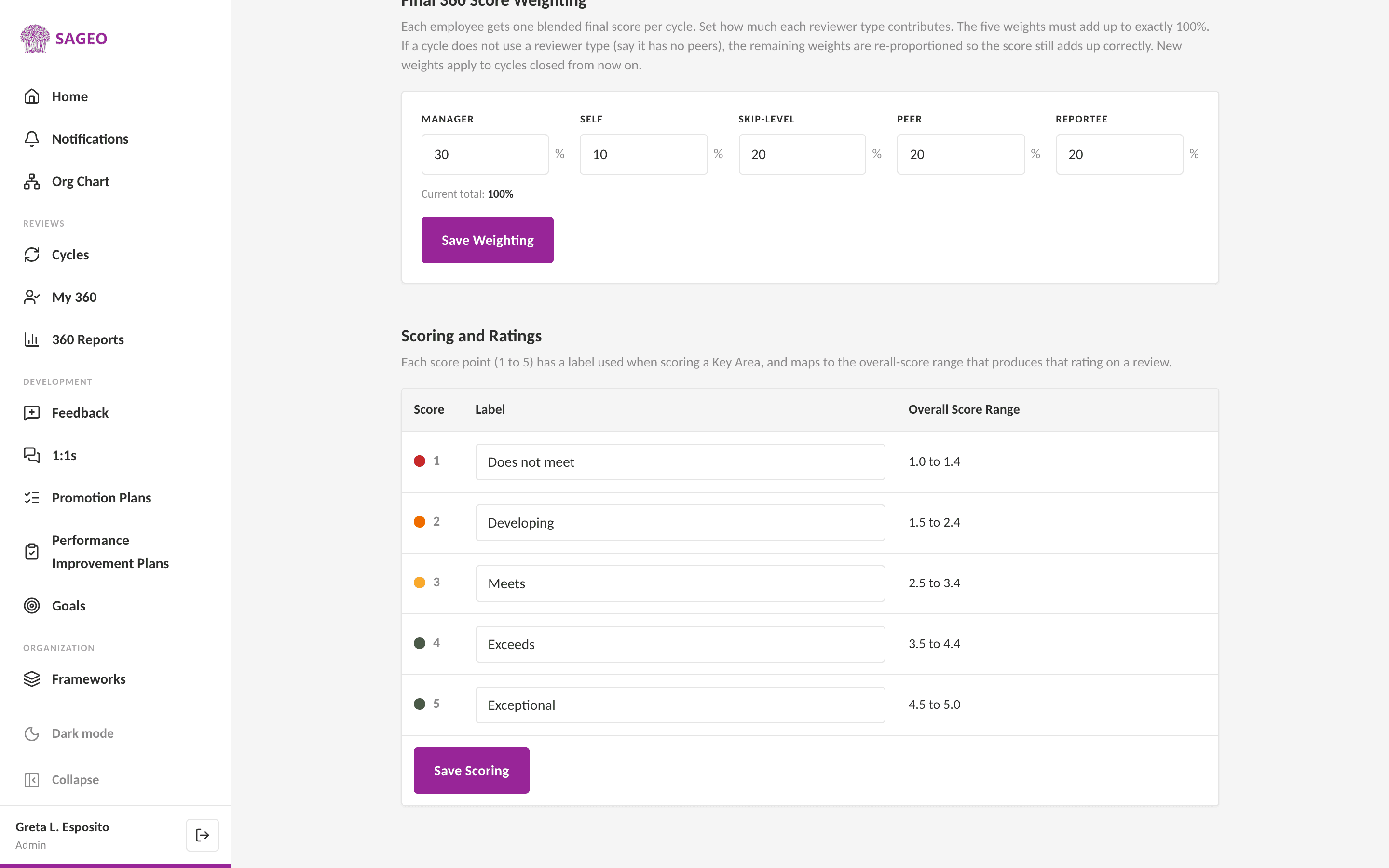
Each score point from 1 to 5 has a label used when scoring a Key Area, and maps to an overall-score range that produces the final rating on a review.
Steps
- 1
Open Settings from the sidebar and find Scoring and Ratings.
- 2
Give each score, 1 to 5, a label, and set the overall-score range that lands on that rating, for example 3.5 to 4.4 for a 4.
- 3
Choose Save Scoring.
Tip
Keep the ranges contiguous and covering 1.0 to 5.0, so every blended score maps to exactly one rating.
Still stuck? Email hello@sageo.ai and a person will help.